
Master the Art of Crop Image Techniques in 2026: Essential Tips for Photographers
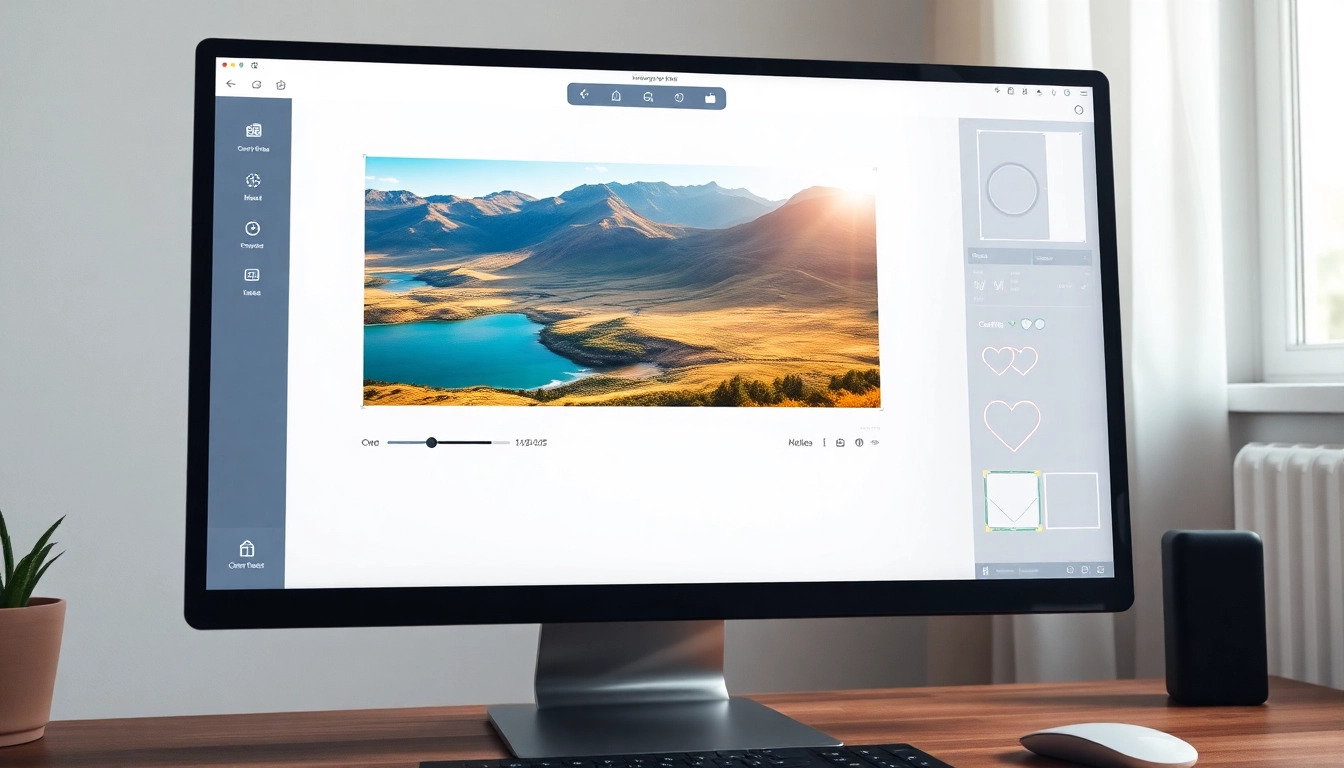
Understanding the Importance of Crop Image in Photography
In the world of photography and design, crop image techniques are pivotal for enhancing visual storytelling. Cropping is not merely about cutting off parts of an image; it is a powerful tool used to refine composition, direct viewer attention, and elevate overall aesthetic appeal. As photographers, graphic designers, and social media managers strive to create resonant images, understanding the nuances of cropping becomes essential. This article delves deep into the significance of cropping, addressing common misconceptions and illuminating its benefits for effective visual communication.
What Does It Mean to Crop an Image?
To crop an image means to remove portions of it, thereby altering its dimensions or focal area. The objective is often to improve composition, focus on a subject, or eliminate distractions from the frame. This adjustment can lead to a more impactful visual narrative, ensuring that the intended message is conveyed clearly. Whether you’re preparing images for a blog, social media post, or gallery display, mastering the cropping process is fundamental.
Common Misconceptions: Crop vs. Resize
Many individuals confuse cropping with resizing; however, these are distinctly different operations. Cropping alters the image’s frame by removing unwanted areas, while resizing changes the overall dimensions without necessarily cutting away any content. Understanding this distinction is crucial for effective image management. For instance, if you crop an image, you might enhance its composition, but resizing it could compromise its clarity if not executed properly.
Benefits of Cropping for Composition and Storytelling
- Enhances Focus: Cropping allows you to direct the viewer’s attention towards the most important elements in your photograph.
- Improves Aesthetics: Well-cropped images adhere to the principles of good composition, creating a visually pleasing experience.
- Eliminates Distractions: By removing extraneous details, cropping can help streamline the visual narrative.
- Adapts for Formats: Different platforms have specific requirements; cropping helps tailor images to fit those criteria effectively.
How to Crop an Image for Different Platforms
With the advent of various social media platforms and digital content sharing, understanding how to crop an image for specific uses has never been more critical. Each platform has its preferred aspect ratios and sizes, making it essential to adapt your images accordingly to ensure maximum engagement and visual impact.
Aspect Ratios Explained: From 3:2 to Square Crops
Aspect ratios define the relationship between an image’s width and height. Common ratios include:
- 3:2: Standard for photography, ideal for prints.
- 1:1: Perfect for Instagram posts and profile pictures.
- 16:9: Widely used in video content, ensuring compatibility with modern displays.
Selecting the correct aspect ratio not only enhances the viewing experience but also ensures your images fit seamlessly within the intended context. For example, cropping to a square format can make your photography stand out on Instagram, where all posts are displayed in a uniform grid.
Optimizing Crops for Social Media: Facebook, Instagram, and More
Different platforms have unique specifications regarding image dimensions. Here’s a quick guide:
- Facebook: Use 1200 x 630 pixels for sharable images.
- Instagram: Opt for 1080 x 1080 pixels for square posts and 1080 x 1350 pixels for portrait mode.
- Twitter: Maintain a width of 1200 pixels for optimal engagement.
By tailoring your image crops to fit these desired dimensions, you maximize visibility and engagement, enhancing your overall branding strategy.
Ensuring Quality: How to Crop Without Losing Resolution
One significant concern when cropping is maintaining image quality. Here are some best practices:
- Use High-Resolution Images: Start with higher quality images to ensure that cropping doesn’t lead to pixelation.
- Appropriate Software: Utilize reliable cropping tools that allow for precision without degrading quality.
- Export Settings: Choose formats that preserve quality, such as PNG or high-resolution JPG.
By following these guidelines, you can crop images effectively while retaining their sharpness and detail.
Advanced Techniques for Smart Cropping
For those looking to take their cropping skills to the next level, exploring smart cropping techniques can yield remarkable results. These methods leverage advanced tools and software to create aesthetically pleasing compositions automatically.
Using Smart Crop Tools for Aesthetic Compositions
Smart cropping tools analyze an image to determine the best possible crop based on composition principles—such as the rule of thirds or natural framing. This technology simplifies the process for casual users and provides professional designers with a quick way to generate high-quality images.
Creative Frame Shapes: Going Beyond Rectangles
Many cropping tools have evolved beyond traditional rectangular shapes. You can now explore:
- Circle Crops: Ideal for profile pictures and unique designs.
- Custom Shapes: Create visually striking images in shapes like hearts or stars for personalized projects.
These creative options allow for more artistic expression and can help your images stand out in crowded digital spaces.
Real-World Examples of Innovative Cropping Strategies
Consider a landscape photograph that tells a story about a mountain journey. By cropping tightly around the mountain, you draw the viewer’s eye directly to the peak, creating a sense of adventure. In contrast, a wider crop might dilute this effect, introducing unnecessary elements to the composition.
Similarly, fashion photography often employs cropping to emphasize clothing details, allowing designers to showcase their work effectively. By experimenting with various cropping techniques, photographers can communicate different messages and emotions through their images.
Step-by-Step Guide: How to Crop an Image
Understanding the technical aspects of cropping is crucial for achieving desired results. The following steps outline an effective cropping process.
Preparing Your Image for Cropping: Tools and Formats
Before cropping, ensure you have the right tools. Many online platforms offer user-friendly interfaces, while software like Adobe Photoshop provides advanced capabilities. Begin with commonly accepted image formats such as JPG or PNG, which are compatible across most platforms.
Executing the Crop with Precision: A User-Friendly Approach
To crop an image:
- Upload your image to the cropping tool.
- Select the crop tool and adjust the dimensions as needed.
- Fine-tune your selection, focusing on key elements you want to retain.
Once satisfied, apply the crop and preview the image before finalizing your changes.
Post-Crop Enhancements: Editing Your Image Further
After cropping, consider performing additional edits:
- Color Correction: Adjust brightness, contrast, and saturation for improved visual appeal.
- Sharpening: Enhance details to ensure the cropped image remains crisp.
- Filters: Apply filters for a creative touch, unifying the overall theme of your work.
By finishing with these enhancements, your cropped image will not only be well-composed but also striking and engaging.
Future Trends in Image Cropping Technologies
The landscape of image cropping is evolving rapidly. As technology advances, so do the tools available to photographers and designers alike.
Emerging Tools and Software for 2026 and Beyond
In 2026, expect to see even more innovative cropping solutions that integrate seamlessly with AI and machine learning technologies. These tools will allow for automatic adjustments based on user preferences, streamlining the editing process significantly.
AI and Machine Learning in Smart Cropping Solutions
AI-driven cropping tools are set to revolutionize how images are edited. These tools will analyze user habits and preferences to suggest ideal crops that enhance composition, thus minimizing the manual effort involved in the cropping process.
Predicting User Trends: What Photographers Want in Crop Features
As user needs evolve, so will the demand for more customizable and intuitive cropping features. Future cropping tools will likely focus on user experience, offering simple interfaces that cater to both novices and professionals, maximizing the creative potential of every image.