Introduction to TradingView and Its Capabilities
In today's rapidly evolving financial landscape, having access to real-time data, advanced charting tools, and customizable alerts is essential for traders of all levels. TradingView stands out as a powerful platform that brings together a multitude of features dedicated to enhancing the trading experience. Whether you're a beginner looking to understand market trends or an experienced trader seeking advanced strategies, TradingView offers the resources you need to analyze markets effectively.
What is TradingView?
TradingView is a comprehensive web-based platform that provides traders and investors access to market data, professional-quality charts, and social networking features. Launched in 2011, it has quickly become one of the most popular platforms among traders, thanks to its user-friendly interface and extensive functionality. Users can analyze a wide range of markets including stocks, forex, cryptocurrencies, and commodities, all in one place.
Key Features of TradingView
- Advanced Charting Tools: Users can access an extensive library of charting tools, indicators, and drawing features to perform in-depth analysis.
- Real-Time Market Data: TradingView provides real-time quotes and data from various financial markets, allowing for timely decision-making.
- Customizable Alerts: Set alerts for price movements, technical indicators, and specific conditions to stay informed without constant monitoring.
- Social Networking: Engage with a community of traders to share insights, strategies, and analyses.
- Multi-Timeframe Analysis: Analyze charts across different timeframes to understand market trends better.
Benefits for Traders
TradingView offers numerous benefits that cater to the diverse needs of traders. The platform's flexibility allows users to customize their trading experience based on individual preferences. Moreover, the addition of social features enables collaboration and knowledge sharing among users, which can be invaluable for developing trading strategies.
In-depth Analysis of TradingView Charts
Understanding Chart Patterns
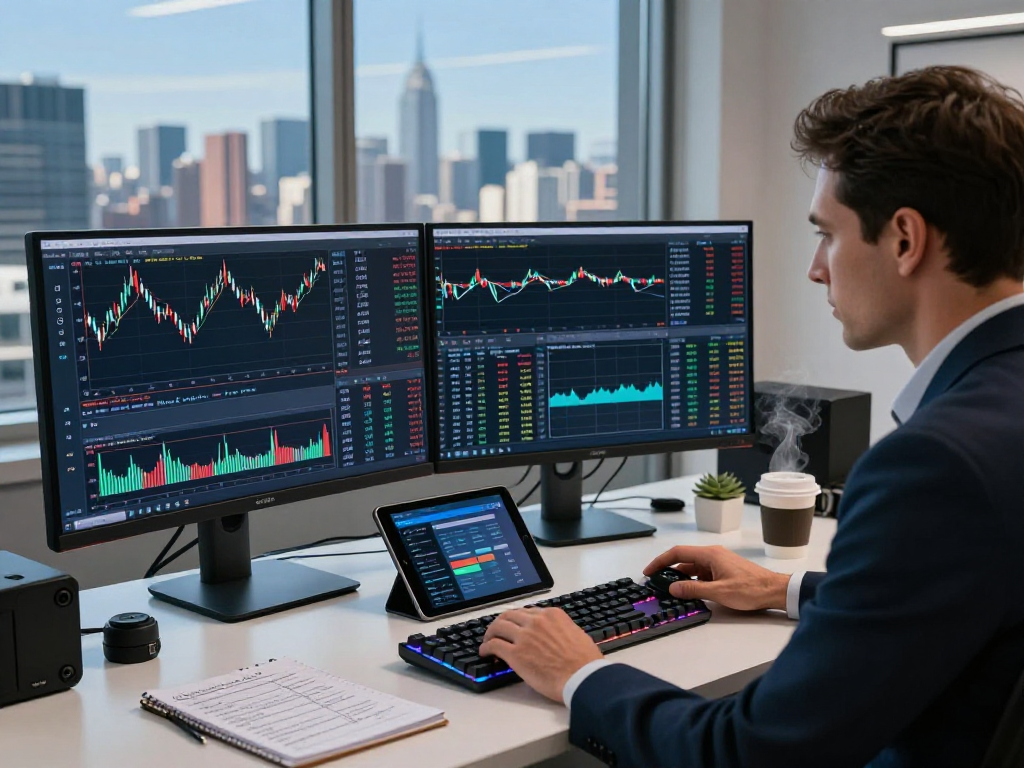
Chart patterns are essential for technical analysis, and TradingView makes it easier for traders to identify these patterns. By using advanced tools such as candlestick charting and pattern recognition algorithms, traders can quickly spot patterns like head and shoulders, double tops, and triangles that may indicate potential market movements.
Technical Indicators and Their Uses
TradingView hosts a plethora of technical indicators that traders can apply to their charts. Popular indicators such as Moving Averages, Relative Strength Index (RSI), and Bollinger Bands help traders analyze price action and identify potential entry and exit points. The platform allows users to overlay these indicators on their charts seamlessly, enhancing their analytical capabilities.
Multi-Timeframe Analysis Techniques
Multi-timeframe analysis is a technique that involves analyzing the same asset across different timeframes to gain a more comprehensive view of market behavior. TradingView allows users to view multiple charts simultaneously, enabling traders to correlate trends from the daily, hourly, and minute charts. This holistic approach can lead to better-informed trading decisions.
Utilizing Alerts and Notifications
Setting Price and Condition Alerts
One of the standout features of TradingView is its alert system. Traders can set price alerts that notify them when an asset reaches a predetermined price level. Additionally, condition alerts can be established based on technical indicators, chart patterns, or specific conditions. This functionality is crucial for traders who cannot monitor the markets continuously.
Best Practices for Notification Management
Managing notifications effectively is key to utilizing TradingView’s alert system. Traders should focus on critical price levels and significant technical conditions to minimize distractions from less important signals. Additionally, using different channels for alerts—such as mobile notifications, email, or desktop notifications—can ensure traders receive timely updates in their preferred format.
The Role of Alerts in Trading Strategy
Alerts play a vital role in a trader's strategy by helping to automate decision-making. Instead of spending hours watching charts, traders can rely on alerts to inform them when it's time to act. This not only saves time but helps reduce emotional trading as decisions can be made based on predefined criteria.
Cross-Device Capabilities of TradingView
Using TradingView on Desktop Versus Mobile
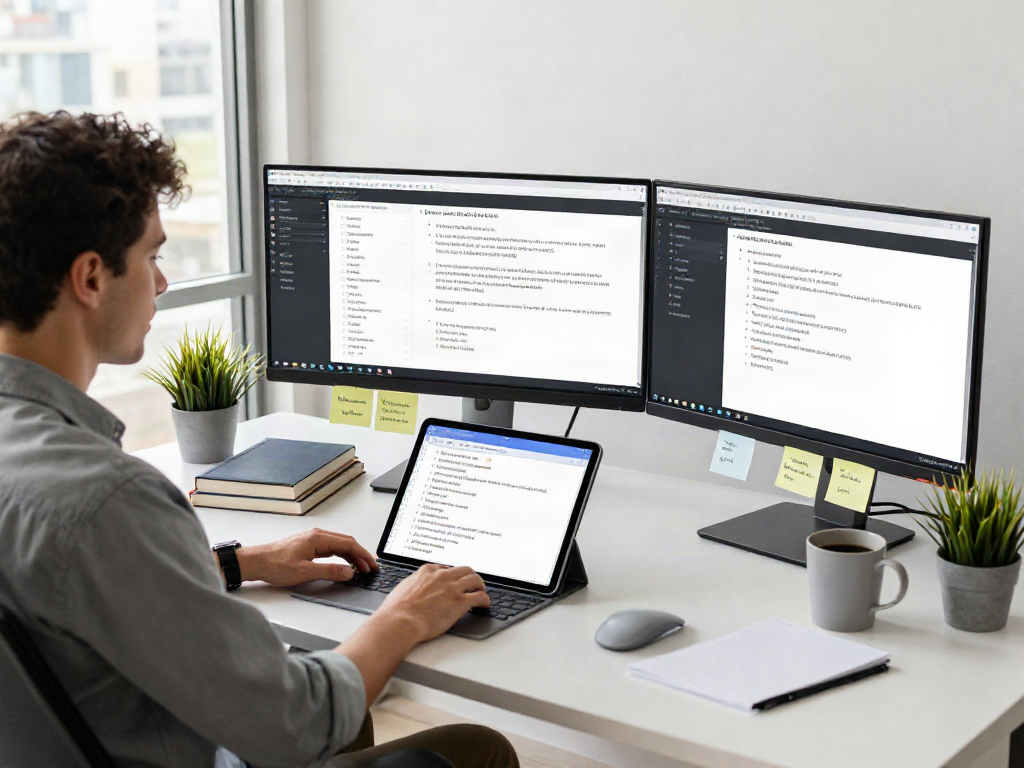
TradingView is accessible across multiple devices, including desktops, laptops, tablets, and mobile phones. The platform’s mobile application allows traders to stay connected to their investments while on the go. Although the desktop version has more features and a larger screen for complex analyses, the mobile version ensures traders can react to market changes quickly.
Synchronization Across Devices
One of the significant advantages of TradingView is the ability to synchronize data across all devices. When changes are made on one device, they are reflected across all others, ensuring that traders have access to the latest data and analyses, regardless of the device they are using. This continuity is crucial for maintaining an effective trading workflow.
Advantages of Multi-Device Usage
Using TradingView across multiple devices enhances flexibility and convenience. Traders can analyze charts on their desktop during trading hours and then review alerts and notifications on their mobile devices after hours. This multi-device support promotes a more integrated trading approach, allowing for a seamless transition between analysis and execution.
Pricing Plans and User Options
Free vs. Paid Plans: What’s Included?
TradingView operates on a freemium model, offering a free plan alongside several paid subscriptions. The free plan provides access to essential features, including basic charting tools, a limited number of technical indicators, and alerts. However, paid plans unlock more advanced features such as additional indicators, unlimited alerts, and enhanced customer support.
Choosing the Right Plan for Your Needs
When selecting a plan, traders should consider their trading frequency and the complexity of their strategies. Casual traders may find the free version sufficient, while more active traders and professionals might benefit from the advanced features available in the paid tiers. By aligning the plan with trading needs, users can optimize their experience on TradingView.
Frequently Asked Questions About Pricing
- What features are available in the free plan? The free plan includes access to basic charting tools, limited indicators, and a set number of alerts.
- Are there any trial periods for paid plans? Yes, TradingView offers trial periods for users to explore premium features before committing to a subscription.
- Can I switch plans later? Absolutely! Users can upgrade or downgrade their subscription at any time based on their changing needs.
What are the benefits of using TradingView?
TradingView offers numerous benefits, such as advanced charting capabilities, a wide range of technical indicators, and the ability to collaborate with other traders. Its real-time data feeds and alert system help traders make informed decisions promptly.
Can I use TradingView on any device?
Yes, TradingView is designed for cross-platform functionality, making it accessible on desktops, laptops, tablets, and mobile devices.
How does TradingView compare to other trading platforms?
TradingView is unique in its combination of powerful charting tools and social trading features, differentiating it from many other platforms that primarily focus on order execution.
Is there a mobile app for TradingView?
Yes, TradingView offers a mobile application that enables users to access their accounts, analyze charts, and receive notifications while on the go.
How can I optimize my use of TradingView?
To optimize your use of TradingView, familiarize yourself with its features, utilize alerts effectively, and engage with the trading community to share insights and strategies.