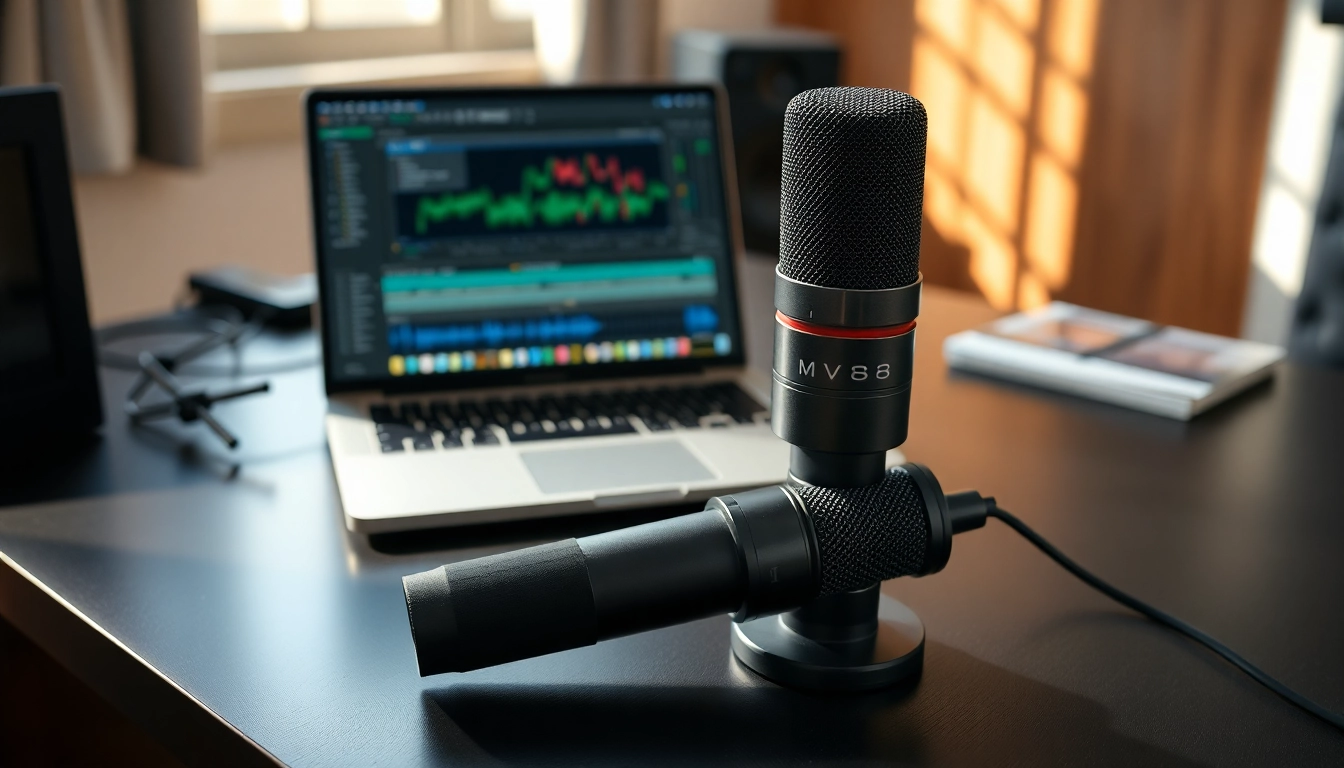
Introduction to the MV88 Microphone
The MV88 microphone by Shure is a popular choice among audio enthusiasts, podcasters, and musicians looking for high-quality sound capture on the go. Compact yet powerful, it combines advanced technology with user-friendly features, enabling creators to produce professional-grade audio with ease. As you begin your journey into the world of portable audio solutions, understanding what makes the MV88 unique will help you appreciate its significance in today’s audio landscape.
What Makes the MV88 Stand Out?
The MV88's standout features come from its combination of engineering excellence and practical design. Its compact size allows it to fit seamlessly with mobile devices, while its lightning connector makes it compatible with iOS devices without needing additional adapters. This portability does not sacrifice audio quality; the MV88 delivers studio-level sound that is crucial for professional recordings. The built-in stereo condenser microphone captures sound from various directions, making it ideal for interviews, music recording, and even ASMR sessions.
Key Features of the MV88
- Stereo Sound Capture: The MV88 features a stereo microphone that provides depth and space to your recordings, making them sound natural and immersive.
- App Integration: Its integration with the ShurePlus MOTIV app allows users to tweak settings, apply effects, and tailor their recordings in real-time.
- Durable Design: The build quality of the MV88 ensures that it can withstand the rigors of travel and outdoor use, making it a reliable companion for creatives.
- Adjustable Angle: The ability to position the microphone at various angles enables users to aim it towards sound sources effectively.
Who Should Use the MV88?
The MV88 appeals to a diverse array of users. Musicians looking to record high-quality demos, podcasters wanting clear audio for their episodes, and content creators engaged in video production will find the MV88 to be an invaluable tool. Additionally, educators and journalists requiring dependable sound capture in varied environments will benefit from its versatility and ease of use.
Understanding the Technical Specifications of MV88
Dimensions and Design
The physical design of the MV88 is both sleek and functional. Measuring just 2.5 x 1.8 x 1.8 inches and weighing around 2 ounces, its portability is a key selling point. The microphone's lightweight design means it can easily fit into your pocket or backpack without adding bulk. The durable metal construction ensures it can withstand everyday wear while providing a professional appearance.
Connectivity Options
The MV88 uses a lightning connector, which facilitates direct compatibility with iOS devices. This eliminates the need for additional equipment or converters, streamlining the recording process. Additionally, it connects seamlessly with various applications, enhancing user flexibility. For Android users, while the direct connection isn't available, adapters can enable similar connectivity with other devices.
Audio Quality and Performance Metrics
The audio quality of the MV88 is one of its major highlights. It boasts a frequency response range of 20 Hz to 20 kHz, allowing it to accurately capture low and high sounds without distortion. With a maximum sound pressure level of 120 dB SPL, it can handle loud sources like musical instruments without clipping. Furthermore, it implements a low self-noise characteristic, ensuring that your recordings remain clean and professional.
Setting Up Your MV88 Microphone
Required Equipment for Optimal Use
To get the best out of your MV88, minimal additional equipment is required. Primarily, you will need a compatible iOS device with a lightning port. For those recording on the move, a sturdy tripod or handheld grip is recommended for stability. Lastly, consider investing in a windscreen, which can help eliminate noise from wind or breath during recordings.
Installation Steps for Beginners
- Connect the MV88: Plug the lightning connector into your iOS device.
- Download the ShurePlus MOTIV App: This app optimizes your MV88 usage and allows you to control various settings.
- Configure Settings: Once the app is installed, navigate to the settings menu to customize your audio preferences.
- Begin Recording: Select your desired format and start recording with just a tap.
Common Set-Up Issues and Fixes
Some users may experience connectivity issues or app recognition problems. If the MV88 isn’t detected by your device, ensure the connection is secure, and attempt to restart both the microphone and the application. If the sound proves to be distorted, check the angle of the microphone for proper positioning and ensure no obstruction is blocking the audio path.
Best Practices for Using the MV88
Recording Techniques for Clarity
Getting the best sound from your MV88 involves a few recording techniques. Always monitor your levels using the Shure app to ensure you're capturing audio at optimal levels. Utilize headphones to listen to your recordings in real time, so you can identify issues as they happen. Experimenting with distance and angle will also help find the sweet spot for clarity and volume.
Positioning Your MV88 for Best Results
Positioning is crucial for great audio capture. The MV88 can be aimed toward the source of the sound, ensuring that it captures vocals or instruments directly while minimizing background noise. For interviews, holding the microphone between you and the subject can yield clear results, while music recording may require angling the microphone to focus on specific instruments.
Maintenance Tips for Longevity
To keep your MV88 in optimal condition, handle it with care, especially the connectors. Regularly clean the microphone with a soft cloth to remove dust and debris. Use a windscreen to protect the microphone from moisture during outdoor recordings, which increases longevity. Lastly, avoid exposing the microphone to extreme temperature changes, as this could affect its performance.
Comparing MV88 with Competitors
How Does MV88 Perform Against Similar Products?
When compared to competitors like the Rode VideoMic Me-L and Zoom iQ7, the MV88 holds its ground impressively. While each microphone has unique attributes, the MV88 shines with its app integration and real-time audio adjustments. The Rode features a cardioid pickup pattern suitable for video work, while the Zoom emphasizes versatility in its configurations but might not match the MV88’s simplistic workflow.
User Reviews and Feedback
User reviews for the MV88 tend to reflect its performance positively. Many customers applaud its audio quality, noting the clarity and richness in recordings. However, some have expressed a desire for more robust compatibility across device types, which remains a challenge given its lightning connector limitation. Overall, the feedback indicates that users value the portability and sound quality highly, further reinforcing its reputation as a top choice in its category.
Value Proposition: Price vs. Performance
Price-wise, the MV88 sits in the mid-range segment for mobile microphones. Given the quality of sound, versatility, and build, it provides a compelling value proposition. Many competing products either lack the same level of audio fidelity or offer limited functionality at a similar price point, making the MV88 an economically sound investment for serious audio creators.